
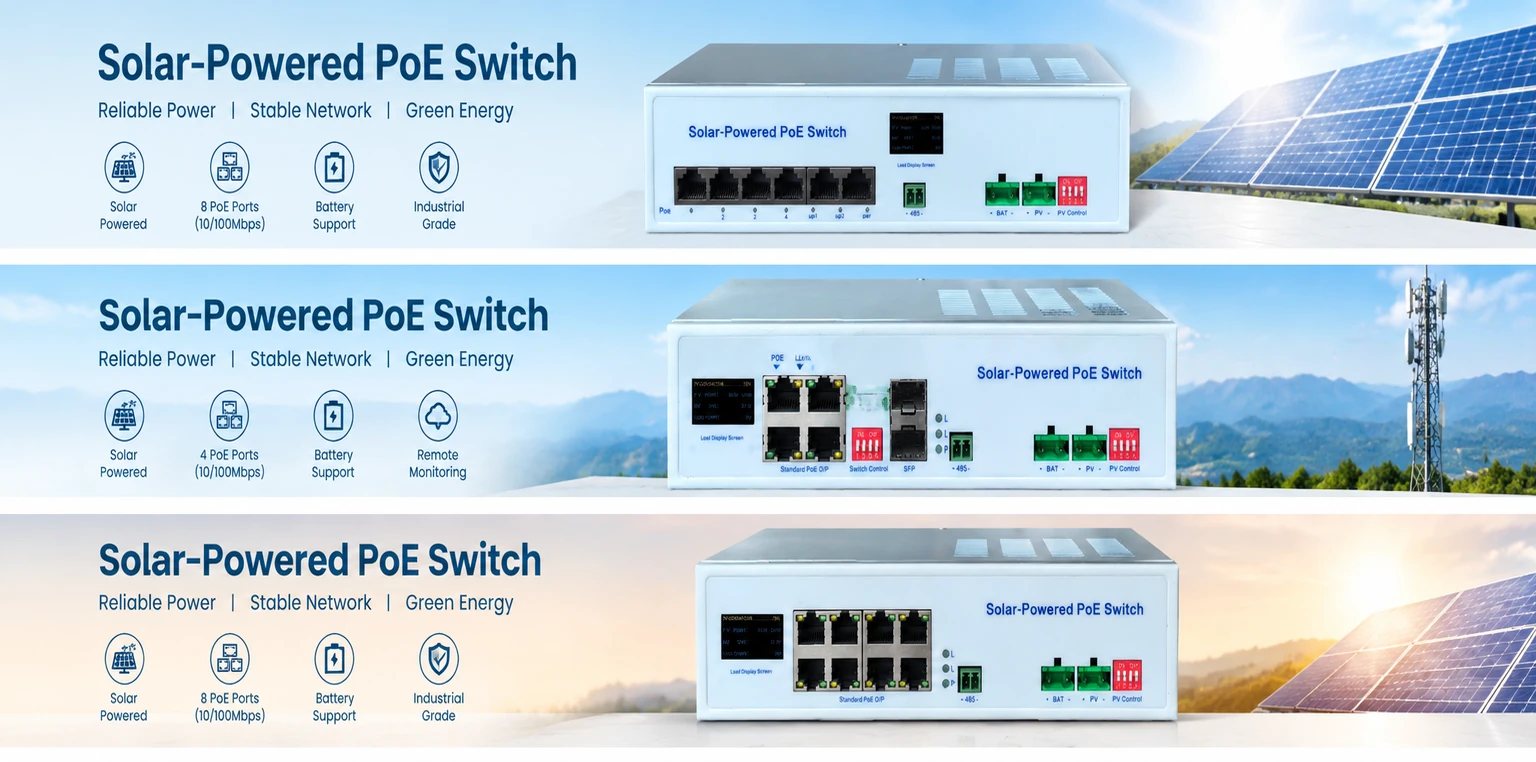
Solar PoE Switch Supplier for Off-Grid CCTV and Remote Networks
Combine solar charging, battery power management, Ethernet switching and PoE output for remote cameras, wireless access points, IoT equipment and other network loads where grid power is unavailable or difficult to install.
Choose the Solar PoE Platform for Your Network
Explore our documented product paths for 100M, Gigabit, and integrated solar network solutions.
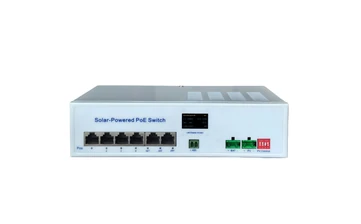
4-Port 100M Solar PoE Switch — GL-Max340
A compact solar PoE switch for basic CCTV, wireless equipment and remote IoT networks. The documented configuration includes four 10/100M IEEE 802.3af/at PoE ports, two 100M uplink ports, PV and battery input, integrated MPPT charging and RS485 communication.
Selection dimensions:
- Number of connected devices
- 10/100M network requirement
- 12V/24V battery system
- Solar panel and battery configuration
Note: Each PoE port is nominally rated at 30W, but the full-system PoE budget must be confirmed separately.
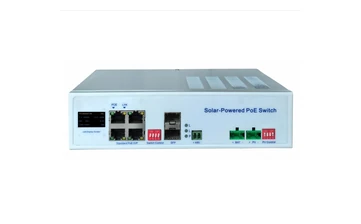
4-Port Gigabit Solar PoE Switch — GL-Max362
A Gigabit solar PoE switch for projects that need higher network bandwidth and mixed PoE output. The documented configuration includes two 100/1000M Auto PoE ports rated at 30W each and two 100/1000M BT PoE ports rated at 90W each, with PV input, battery input, integrated MPPT charging and RS485 communication.
Selection dimensions:
- Gigabit uplink and device bandwidth
- 30W versus 90W port requirements
- Battery voltage
- Total system power budget
Note: Do not calculate the total usable PoE budget by simply adding the individual port ratings.
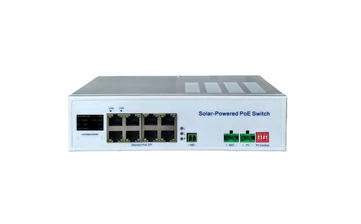
8-Port Gigabit BT Solar PoE Switch — GL-Max380
An eight-port Gigabit BT solar PoE switch for multi-camera, wireless AP and remote network installations. The documented configuration includes eight 100/1000M BT PoE ports with a nominal maximum of 90W per port, PV and battery input, integrated MPPT charging, RS485 communication and OLED status display.
Selection dimensions:
- Number of powered Ethernet devices
- Gigabit bandwidth
- PoE/PoE+/PoE++ device requirements
- Solar array and battery capacity
Note: The 8 × 90W port rating must not be presented as a guaranteed continuous system output. Actual output depends on PV input, battery, and operating conditions.
How a Solar PoE Switch Works
A solar PoE switch combines network switching with solar and battery power management. The solar array supplies energy during available sunlight, while the battery supports operation when sunlight is limited. The PoE stage then provides both Ethernet data and device power through compatible network ports.
Solar Generation
Solar panels generate DC power during sunlight hours.
MPPT Management
The MPPT charging stage manages and optimizes PV input.
Battery Storage
The battery stores energy for night-time and low-sun conditions.
PoE Distribution
The PoE switch distributes data and power through Ethernet.
Remote Operation
Cameras, wireless APs, sensors or other devices operate at the site.
Compare Solar PoE Switch Configurations
Review documented specifications across our standard models and integrated platforms.
| Product | Network ports | PoE capability | Solar and power functions | Communication / display | Best-fit use |
|---|---|---|---|---|---|
| GL-Max342 | 4 × 10/100M 802.3af/at PoE; 2 × 100M uplink |
30W nominal per PoE port | Nominal 300W solar-panel input; PV and battery input; MPPT charging | RS485; status display | Basic CCTV, wireless equipment and remote IoT |
| GL-Max362 | 2 × 100/1000M Auto PoE at 30W each; 2 × 100/1000M BT PoE at 90W each |
Mixed 30W and 90W port classes | Nominal 300W solar-panel input; PV and battery input; MPPT charging | RS485 | Gigabit network and mixed-power devices |
| GL-Max380 | 8 × 100/1000M BT PoE | Nominal maximum 90W per port | Nominal 300W solar-panel input; PV and battery input; MPPT charging | RS485; OLED display | Multi-camera and multi-device solar networks |
Important Note: Port ratings, solar input, battery capacity and total usable PoE output must be evaluated together. Individual port ratings must not be treated as the guaranteed continuous system budget. Confirm the latest approved specification and project configuration before ordering.
How to Select the Right Solar PoE Switch
Selecting a solar network platform requires balancing network data needs with off-grid energy physics. Keep these technical rules in mind:
- IEEE 802.3af, 802.3at and 802.3bt devices have different power requirements.
- A camera’s average power can differ from its night-time or PTZ peak power.
- A wireless AP may require less power than a PTZ camera, but the exact model must be checked.
- The battery must cover night-time and low-sun operation.
- Cloudy weather, panel orientation, shading and local solar conditions affect available energy.
- The PV array and battery must be designed together with the PoE load.
- The switch’s own consumption must be included in the system calculation.
- Use the documented model limits, not only the highest per-port number.
Count Devices
Count the total number of connected Ethernet devices requiring power and data.
Identify Standards
Identify each device’s PoE standard and maximum required power rating.
Calculate Load
Calculate the combined average continuous load and the peak load.
Select Network Ports
Select the required port count and confirm 100M or Gigabit network speed.
Match Energy Demand
Match the solar-panel input and battery capacity to the daily energy demand.
Confirm Interfaces
Confirm the uplink, SFP, RS485, monitoring and enclosure requirements.
Solar PoE for Remote Network Applications
Deploy reliable power and data switching across diverse off-grid environments.
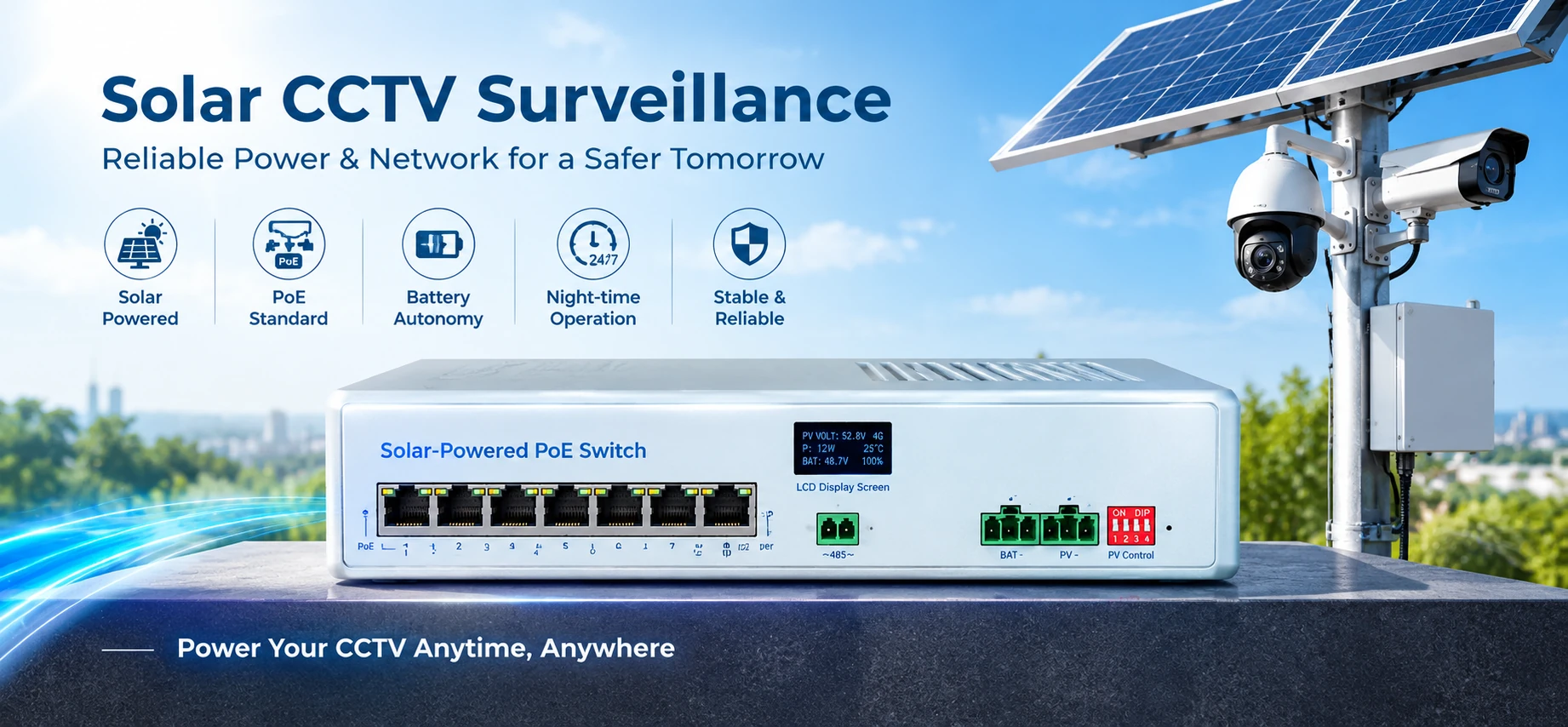
Solar CCTV Surveillance
Power cameras and network equipment at locations where grid power is unavailable or expensive to install. Match the switch to the number of cameras, PoE standard, night-time load, PTZ peak demand, battery autonomy and local solar conditions.
Required project inputs:
- Camera quantity & wattage
- PTZ or infrared peak load
- PoE standard
- Night-time operating hours
- Required autonomy
- Solar-panel size
- Battery voltage & capacity
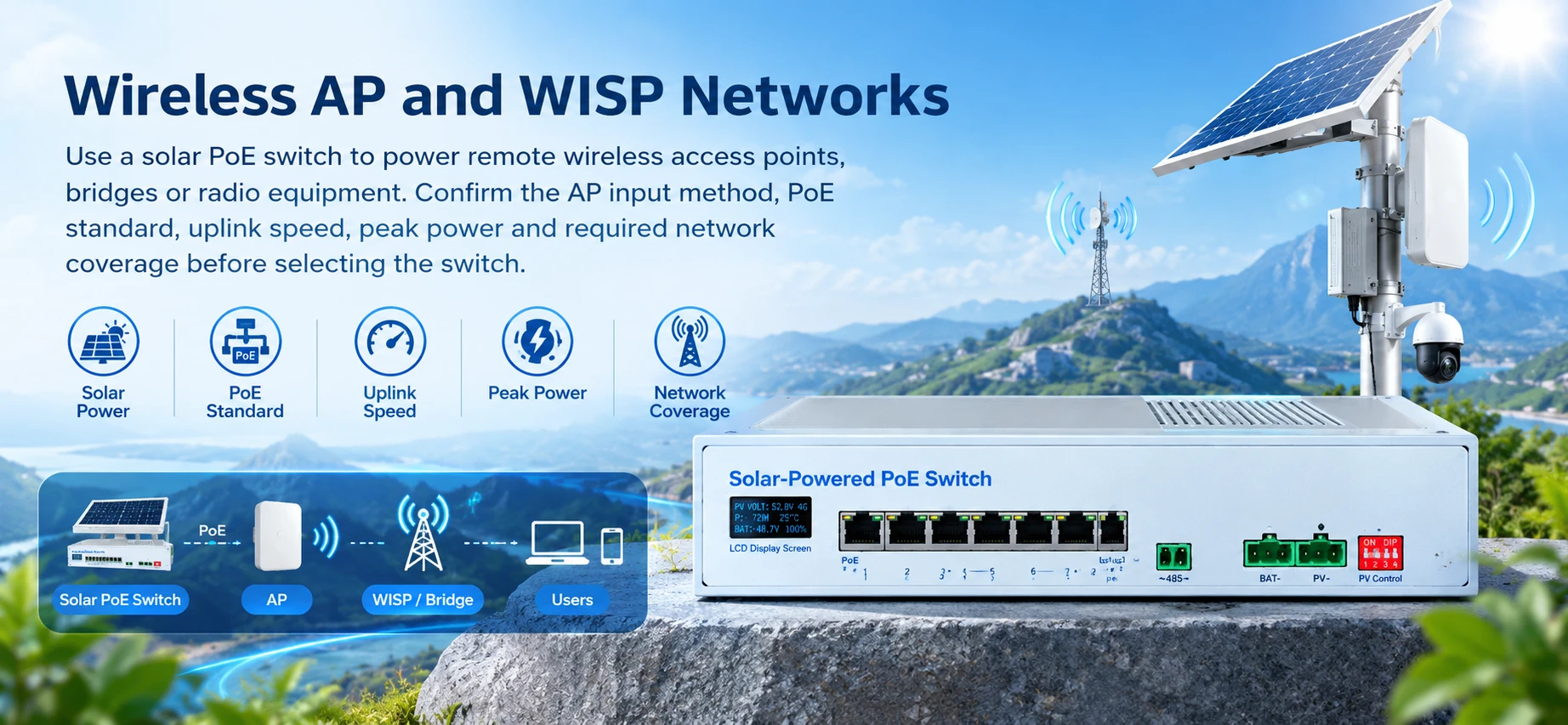
Wireless AP and WISP Networks
Use a solar PoE switch to power remote wireless access points, bridges or radio equipment. Confirm the AP input method, PoE standard, uplink speed, peak power and required network coverage before selecting the switch.
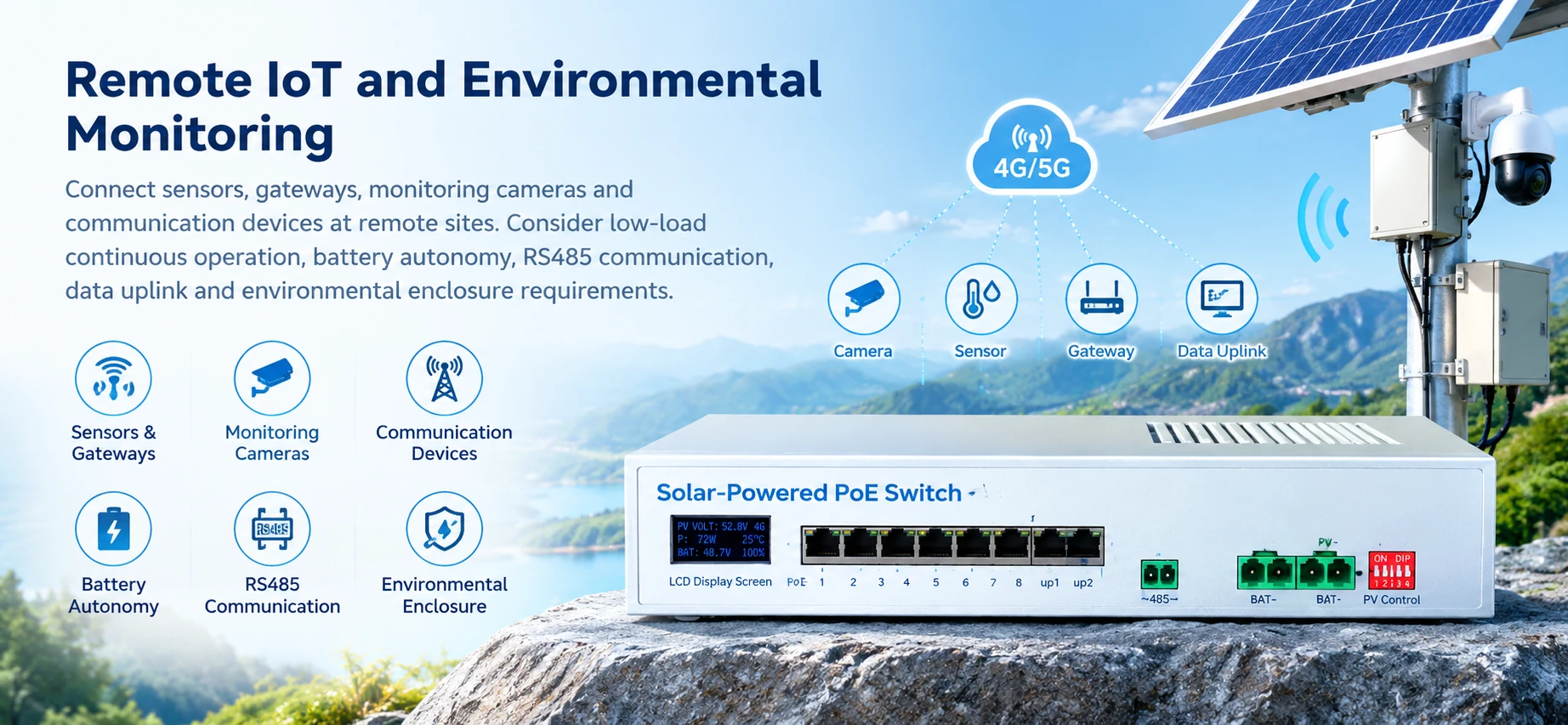
Remote IoT and Environmental Monitoring
Connect sensors, gateways, monitoring cameras and communication devices at remote sites. Consider low-load continuous operation, battery autonomy, RS485 communication, data uplink and environmental enclosure requirements.
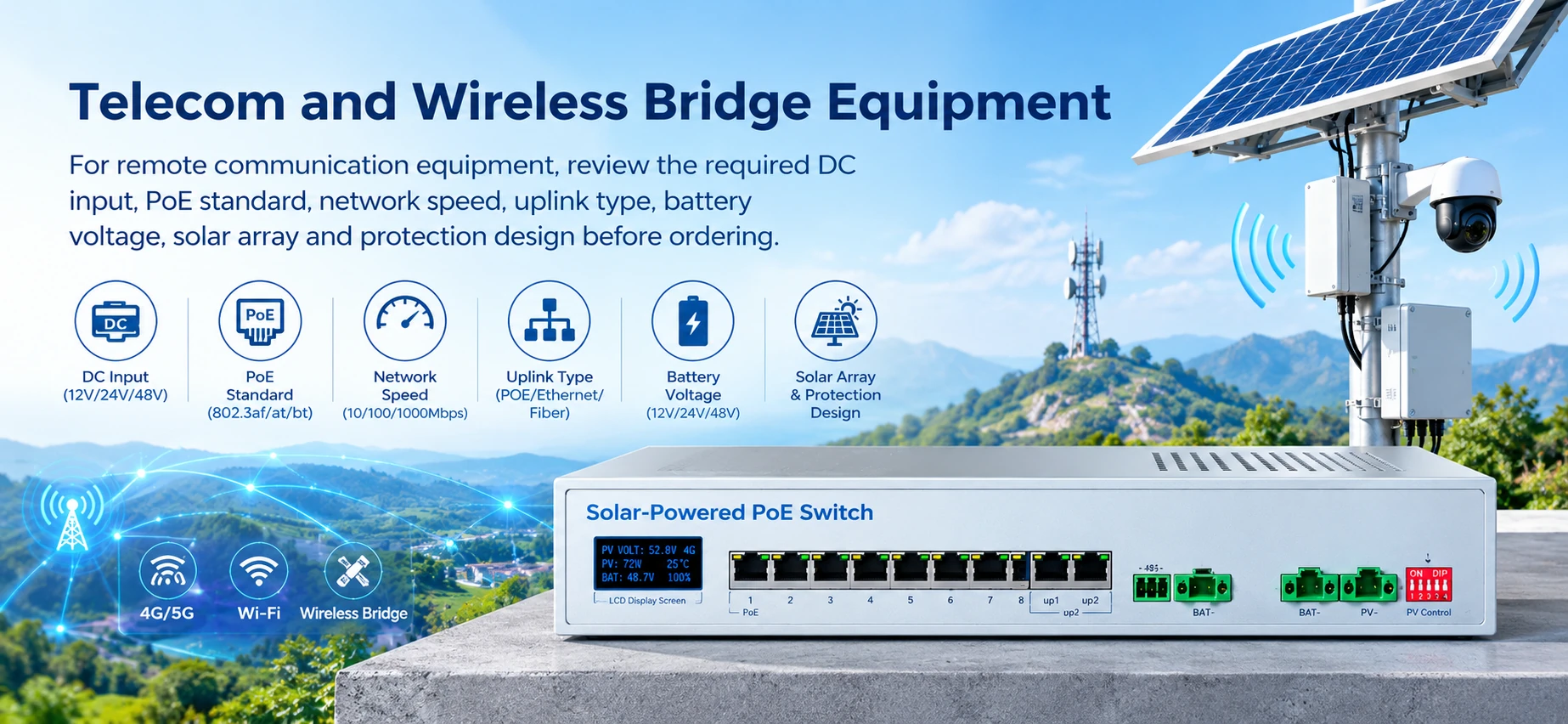
Telecom and Wireless Bridge Equipment
For remote communication equipment, review the required DC input, PoE standard, network speed, uplink type, battery voltage, solar array and protection design before ordering.
Installation Conditions and Practical Precautions
Outdoor suitability depends on the complete enclosure, installation method and environmental design, not only the switch body. Follow these guidelines for reliable operation:
- Place the switch and power equipment in a suitable protected enclosure.
- Prevent rainwater and condensation from entering the product. Do not describe the product as bare outdoor waterproof equipment unless a model-specific approved document confirms that claim.
- Keep ventilation and heat dissipation paths clear.
- Install external fuses or circuit breakers where required by the system design.
- Verify PV polarity, battery polarity and Ethernet wiring before energizing. Confirm the battery voltage before connecting the switch.
- Keep PV input, battery capacity and PoE load within the documented limits.
- Use suitable surge protection and grounding according to the project design.
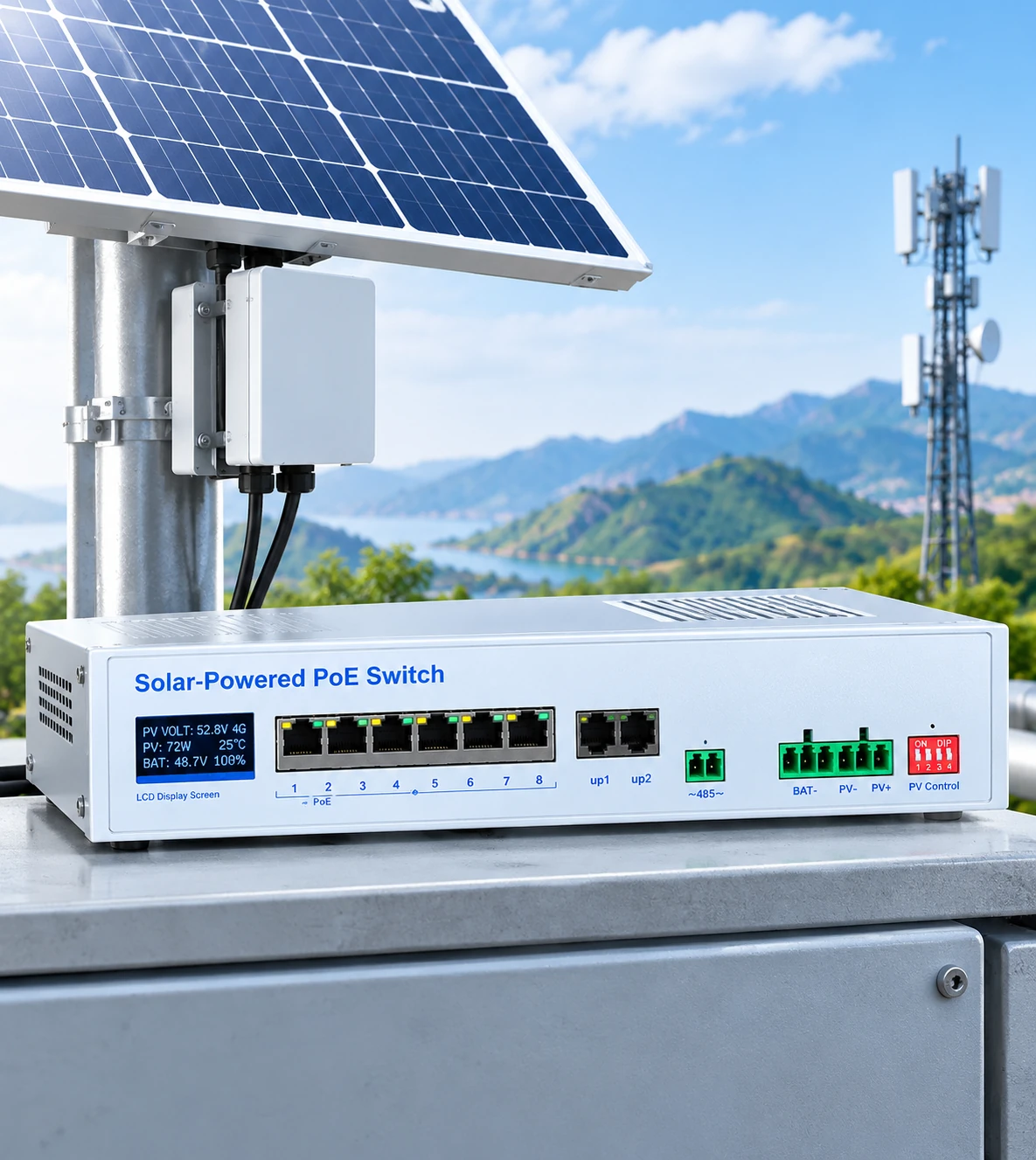
Solar PoE Switch vs. Standard PoE Switch
The key difference is not only the Ethernet port. A solar PoE switch must coordinate network traffic, PoE output, solar input, battery storage and site conditions as one power-and-network design.
| Standard PoE Switch | Solar PoE Switch |
|---|---|
| Usually depends on AC or fixed DC power | Integrates solar and battery power inputs |
| Designed mainly for network switching and PoE output | Combines network switching, MPPT charging and PoE power management |
| Usually installed where grid or stable DC power exists | Designed for remote or off-grid network installations |
| Battery autonomy is normally external | Battery coordination is part of the system design |
| Solar-panel and battery sizing are separate | PV, battery, MPPT and PoE load must be evaluated together |
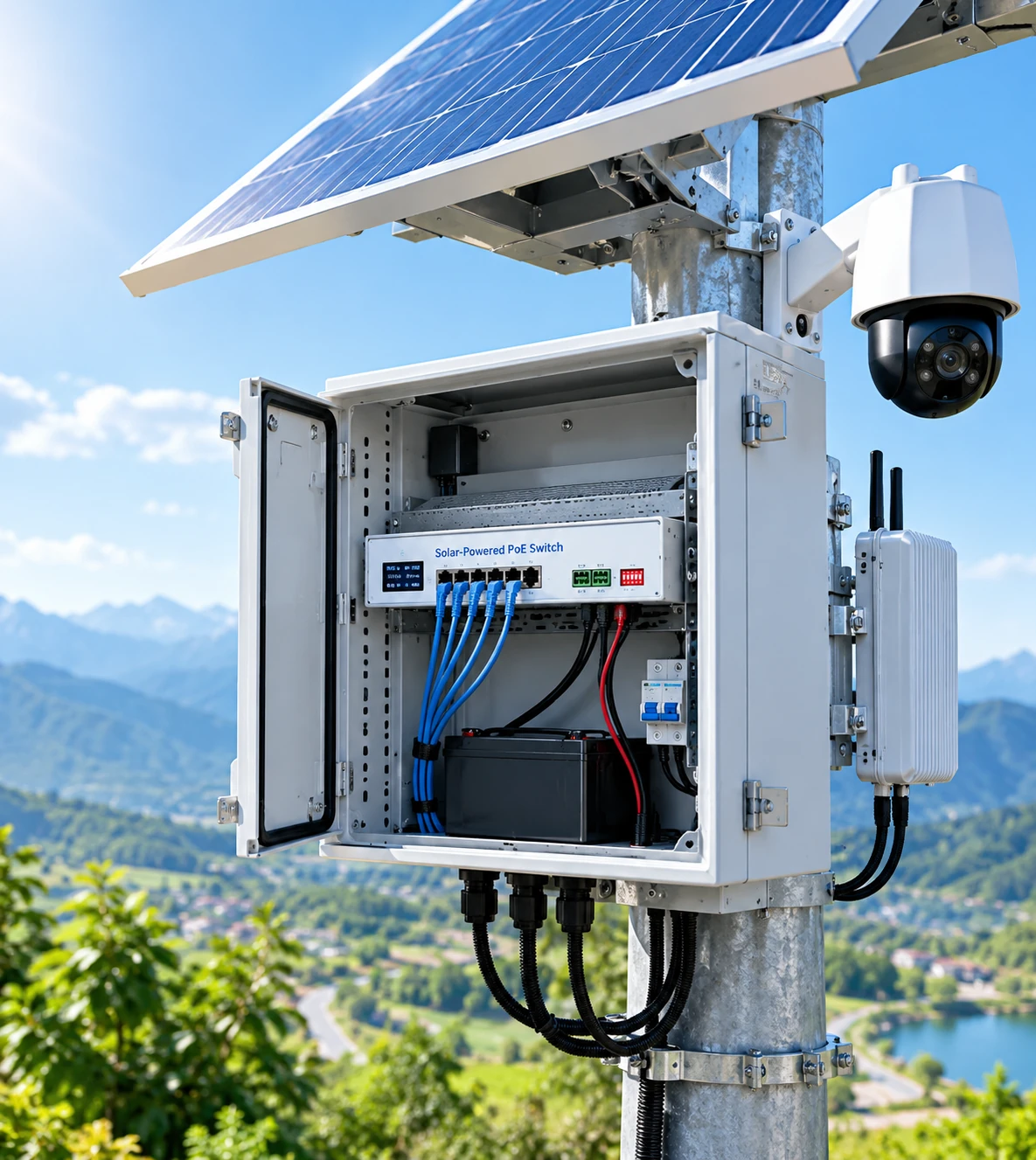
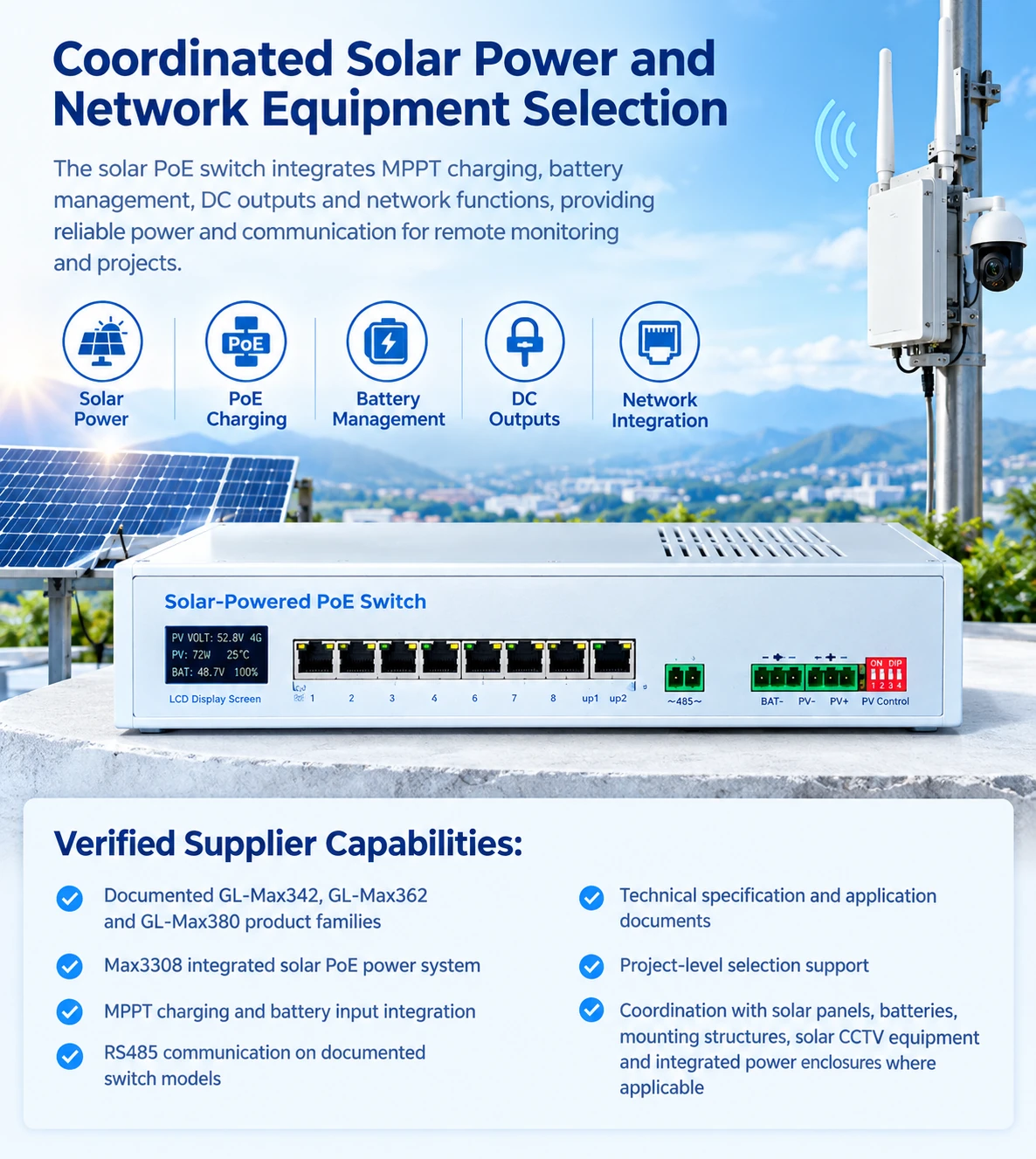
Coordinated Solar Power and Network Equipment Selection
The product portfolio combines solar PoE switching, MPPT charging, battery interfaces, DC outputs and integrated solar power equipment for remote monitoring and communication projects. Technical discussions can cover the switch, PV input, battery, PoE loads, uplinks, enclosure and installation interfaces together.
Verified Supplier Capabilities:
- Documented GL-Max342, GL-Max362 and GL-Max380 product families
- Max3308 integrated solar PoE power system
- MPPT charging and battery input integration
- RS485 communication on documented switch models
- Technical specification and application documents
- Project-level selection support
- Coordination with solar panels, batteries, mounting structures, solar CCTV equipment and integrated power enclosures where applicable
Frequently Asked Questions
Technical guidance for selecting and implementing solar network platforms.
How does a solar PoE switch work?
How do I choose between GL-Max342, GL-Max362 and GL-Max380?
Can a solar PoE switch power wireless access points?
How much solar and battery capacity do I need?
Can the switch be installed outdoors?
What information should I submit for a solar CCTV project?
Can I get pricing or local distribution support?
Request a Project Quote
Submit your project requirements, port count, and load details to discuss configuration options with our technical team.